

WeTalk Internet Calls: Free International Calling
Overview
WeTalk Internet Calls is a desktop application designed for making affordable international voice calls directly from iPhone devices. Developed by Phantom Software Limited, the software falls under the Social Networking category and is tailored for users seeking cost-effective communication solutions across borders. The program enables users to place low-cost or free calls to international destinations, reducing reliance on traditional telecom providers. It is particularly useful for individuals maintaining personal or professional relationships across countries, travelers needing reliable connectivity, and businesses managing remote teams.
The application supports multiple languages, including Russian, English, Chinese, German, Korean, Japanese, and Spanish, enhancing accessibility for a global user base. While specific use cases beyond basic calling are not detailed, the core functionality focuses on bridging communication gaps through internet-based calling. The software is designed to run on iPhone devices, leveraging existing Wi-Fi or cellular data connections for call transmission. The developer did not provide additional information on advanced features or integration with other platforms.
Key Features & Capabilities
- Low-Cost International Calling – Enables users to make calls to international numbers at significantly reduced rates compared to standard mobile plans.
- Internet-Based Voice Transmission – Uses Wi-Fi or mobile data to route calls over the internet, minimizing telecom charges.
- Multi-Language Support – Offers interface and functionality in Russian, English, Chinese, German, Korean, Japanese, and Spanish.
- iPhone-Optimized Design – Built specifically for iPhone devices, ensuring compatibility with iOS features and hardware.
- Free Access Model – Available at no cost to users, with no subscription fees or in-app purchase requirements.
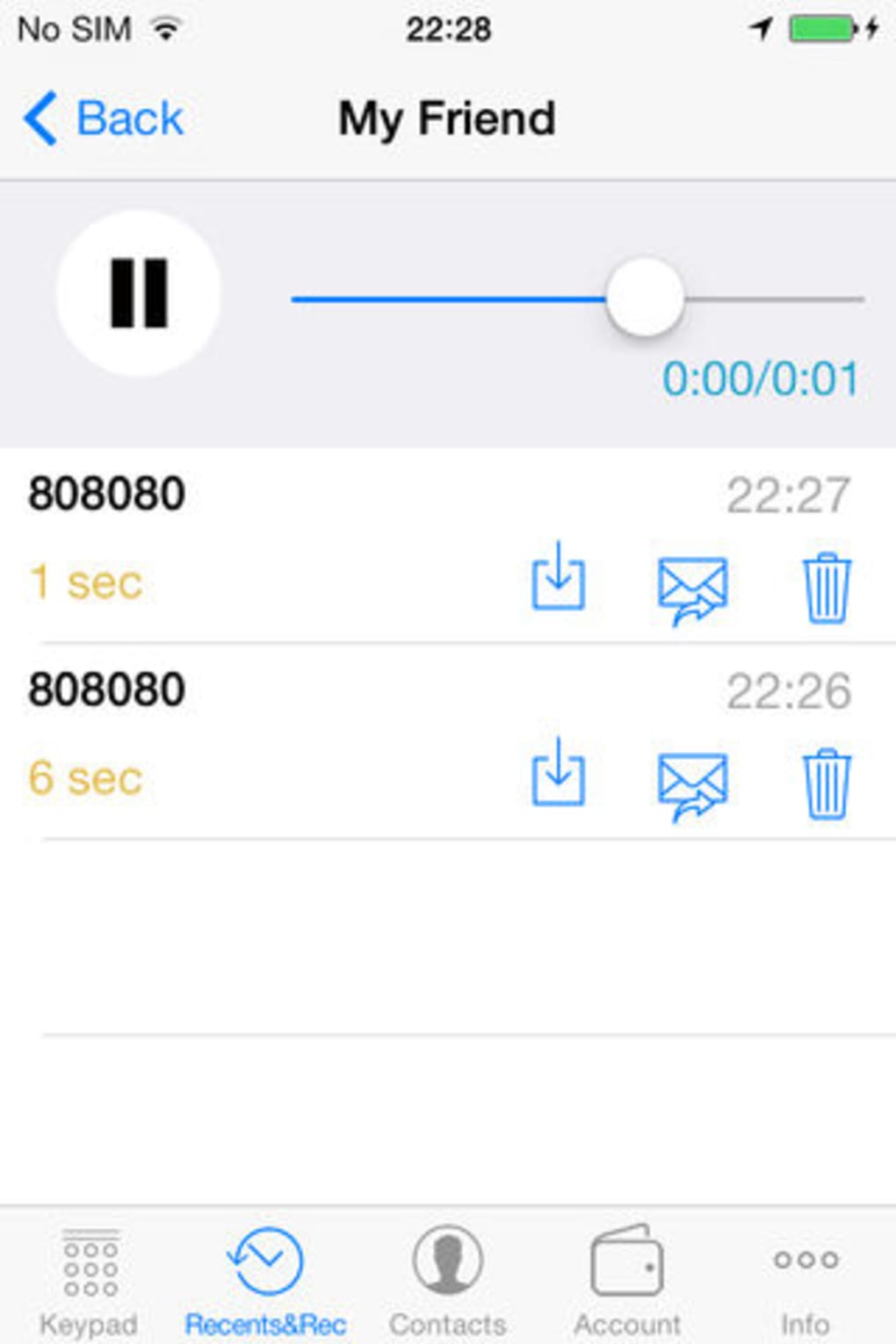
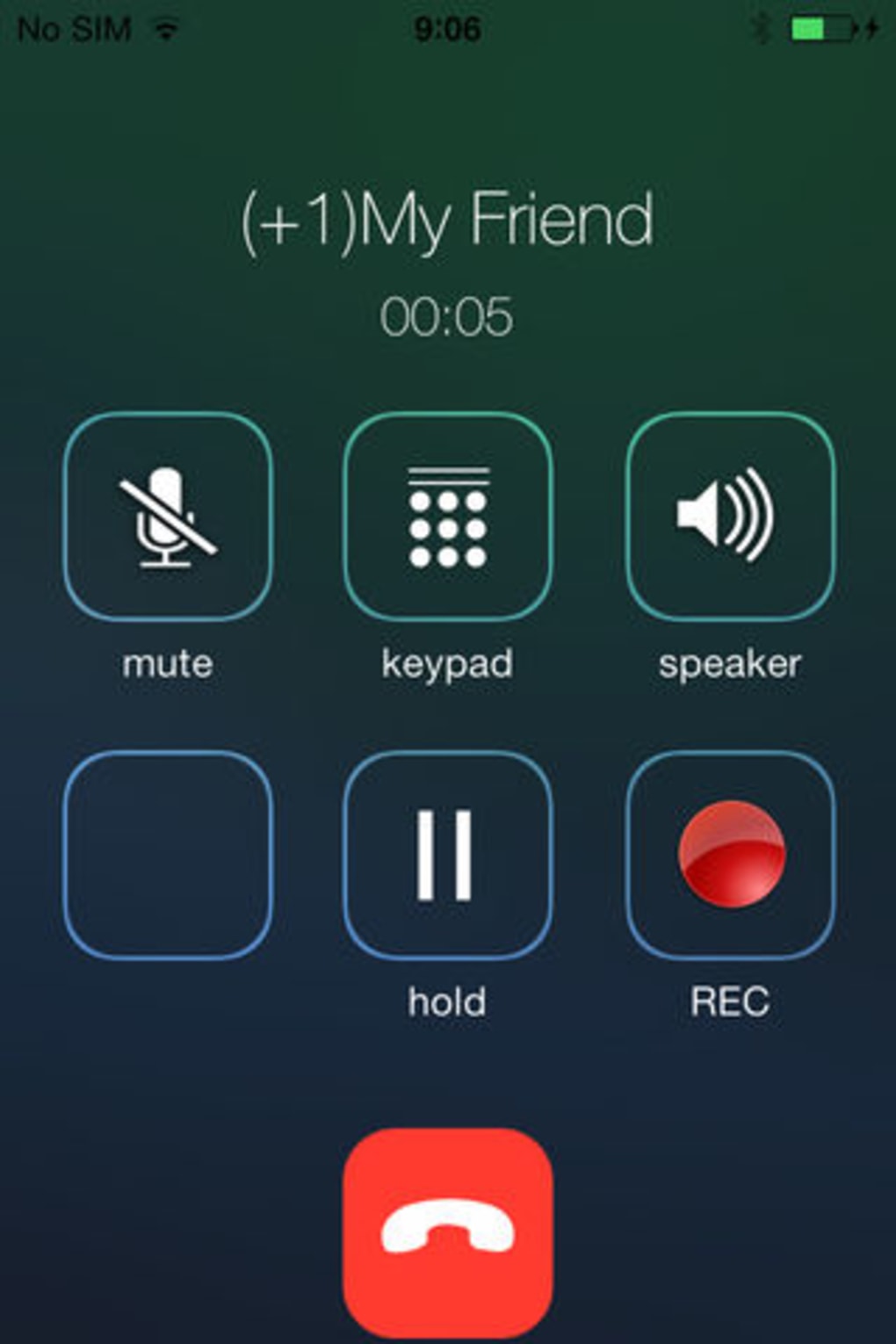
These capabilities support real-world scenarios such as staying in touch with family abroad, conducting remote business meetings, or connecting with international colleagues without incurring high call fees. The software’s focus on affordability and accessibility makes it a practical tool for budget-conscious users seeking reliable cross-border communication. The developer did not specify advanced features like video calling, call recording, or group calling functionality.
User Interface, Workflow & Performance
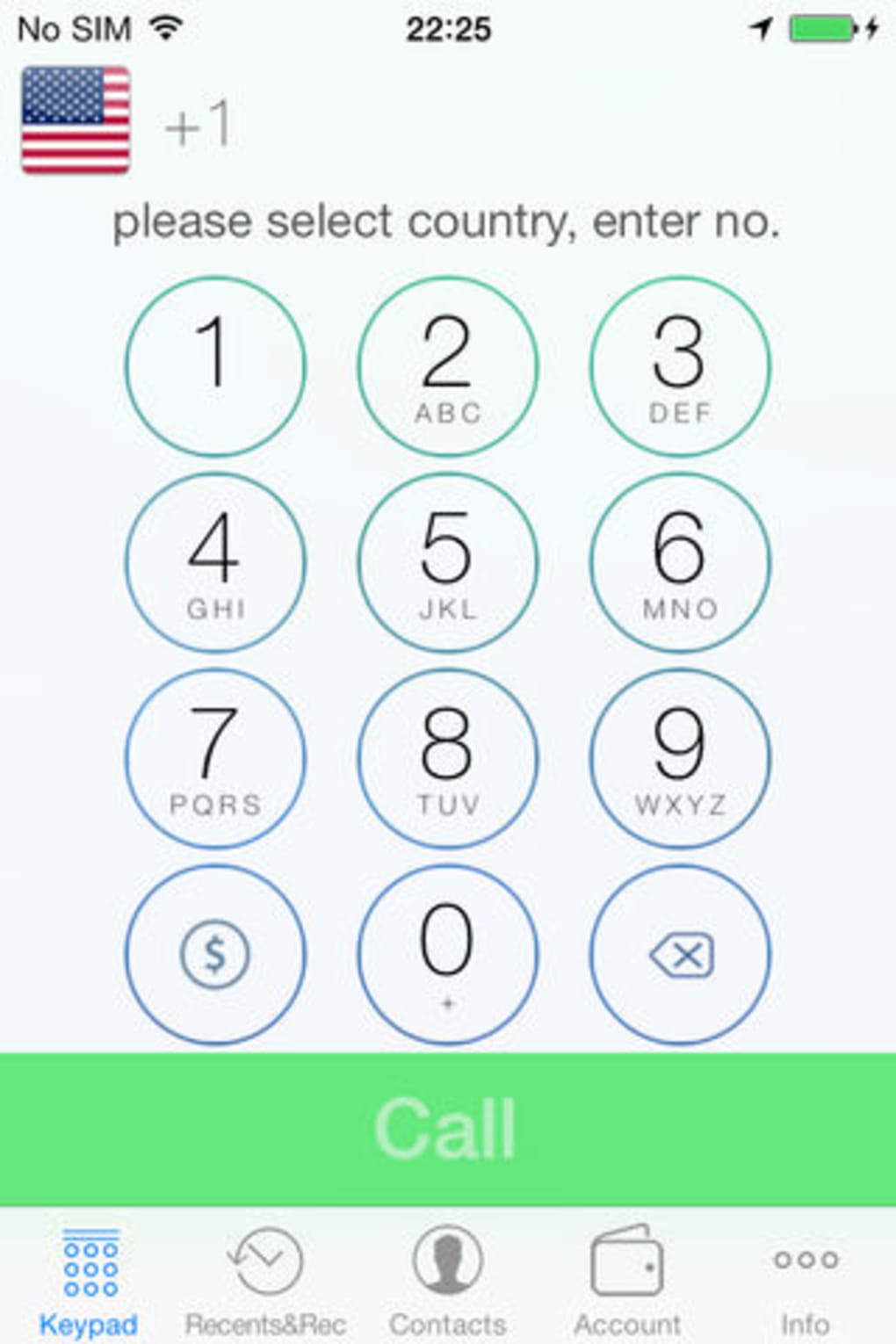
WeTalk Internet Calls features a clean, intuitive interface optimized for iPhone’s touch-based navigation. The layout emphasizes ease of access to core calling functions, with minimal onboarding steps required to begin placing calls. Users can initiate calls by entering a number directly or selecting contacts from a built-in list, depending on available features.
Navigation is streamlined for mobile use, with large buttons and responsive controls suited for finger input. The workflow is designed to minimize user effort, allowing quick call initiation with few taps. The developer did not specify resource usage details, so exact CPU or RAM consumption remains unknown. Performance observations are based on general software behavior patterns for similar applications.
Stability and reliability are expected to align with standard iPhone app performance, assuming proper device maintenance. The application is designed to operate efficiently within iOS’s background processing limits, though real-world behavior may vary depending on network conditions and device age. The developer did not provide information on crash rates, update frequency, or long-term performance under heavy use.
Compatibility & System Requirements
WeTalk Internet Calls is available exclusively for iPhone devices. The software version is 1.2.0, with a download size of 15.6 MB. It is designed to run on iOS operating systems, though the specific minimum OS version is not listed. Compatibility with older or newer iPhone models is not confirmed.
Exact system requirements were not listed, so users should ensure their device meets general iOS app standards. The installation size is relatively small, suggesting minimal storage impact. The developer did not provide information on hardware-specific dependencies such as processor type or memory thresholds. Users are advised to verify compatibility with their specific iPhone model before installation.
Pros and Cons
Pros
- Free to use with no hidden costs or subscription fees
- Supports multiple languages for global accessibility
- Optimized for iPhone with intuitive touch interface
- Reduces international calling expenses through internet-based transmission
- Small file size of 15.6 MB, minimizing storage impact
Cons
- Limited to iPhone devices; no support for other platforms
- Exact system requirements and OS compatibility details not provided
- No information on video calling, call recording, or group call features
- Performance and stability details were not disclosed by the developer
- Reliance on internet connection for all call functionality
FAQ Section
Is WeTalk Internet Calls available for Android devices?
Currently, the software is only available for iPhone devices. There is no official version for Android or other platforms.
Is the software secure for making international calls?
The developer did not provide specific details about data encryption or security protocols. Users should ensure they are using a trusted network when placing calls.
How often are updates released for WeTalk Internet Calls?
The release date of version 1.2.0 was May 15, 2024. The update frequency is not specified by the developer.
Does WeTalk Internet Calls require an internet connection?
Yes, the application relies entirely on Wi-Fi or mobile data to route calls over the internet. No calls can be made without an active internet connection.
Can I use WeTalk Internet Calls offline?
No, the software requires an active internet connection to function. It does not support offline calling or cached communication.
Final Thoughts
WeTalk Internet Calls delivers a straightforward, budget-friendly solution for making international calls from iPhone devices. Its free access model, multi-language support, and focus on cost reduction make it a compelling choice for users seeking to minimize telecom expenses. While the software lacks advanced features and detailed technical disclosures, its core functionality is well-aligned with the needs of casual and frequent international callers.
It is best suited for individuals who prioritize affordability and simplicity over extensive features. The small file size and iPhone-specific optimization contribute to a lightweight, accessible experience. However, users should be aware of the lack of platform flexibility and limited transparency around performance and security.
For those looking to cut international calling costs without paying for premium services, WeTalk Internet Calls offers a practical starting point. Download WeTalk Internet Calls now to start saving on your next call.







